Video Material Management Bootcamp

Product details
Video Material Management Bootcamp
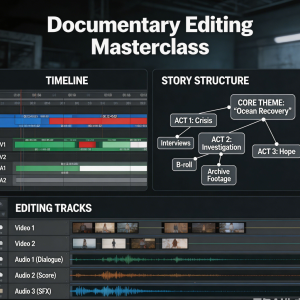
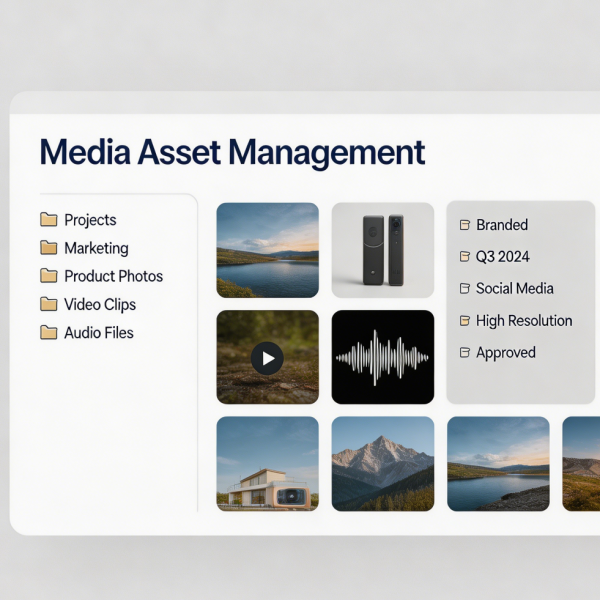
Disorganised media is a silent productivity killer in video production, leading to lost files, duplicated work, and hours wasted searching for assets. This bootcamp establishes the discipline of professional media management, teaching systems that keep projects organised from ingest to archive. Participants learn to design logical folder structures, establish consistent naming conventions, and implement metadata tagging that makes footage searchable. The curriculum covers the safe transfer of media from cameras and cards, backup strategies including the principle of redundancy, and the creation of proxy files for efficient editing. Students also learn to manage large projects with multiple collaborators, including shared storage workflows and version control for project files. Long‑term archival strategies are addressed, ensuring that completed projects remain accessible for future revisions or portfolio use. Graduates leave with a complete media management system they can implement immediately.
Shipping and Returns
Shipping cost is based on weight. Just add products to your cart and use the Shipping Calculator to see the shipping price.
We want you to be 100% satisfied with your purchase. Items can be returned or exchanged within 30 days of delivery.
Quick Comparison
| Video Material Management Bootcamp remove | Video Cover Design Bootcamp remove | Video Subtitle Production Bootcamp remove | Short Video Rhythm Editing Bootcamp remove | Video Special Effects Application Course remove | Video Animation Editing Bootcamp remove | |
|---|---|---|---|---|---|---|
| Name | Video Material Management Bootcamp remove | Video Cover Design Bootcamp remove | Video Subtitle Production Bootcamp remove | Short Video Rhythm Editing Bootcamp remove | Video Special Effects Application Course remove | Video Animation Editing Bootcamp remove |
| Image | | 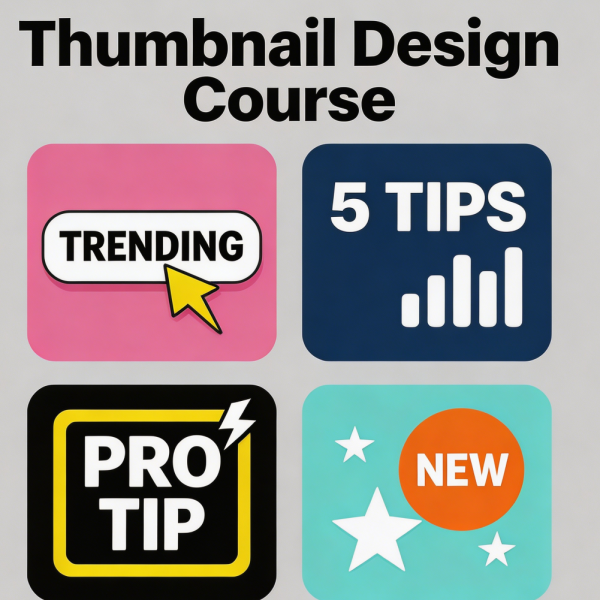 | 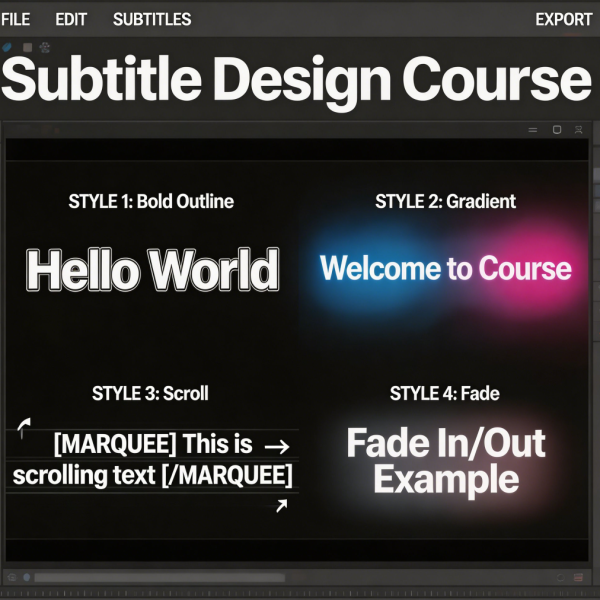 | 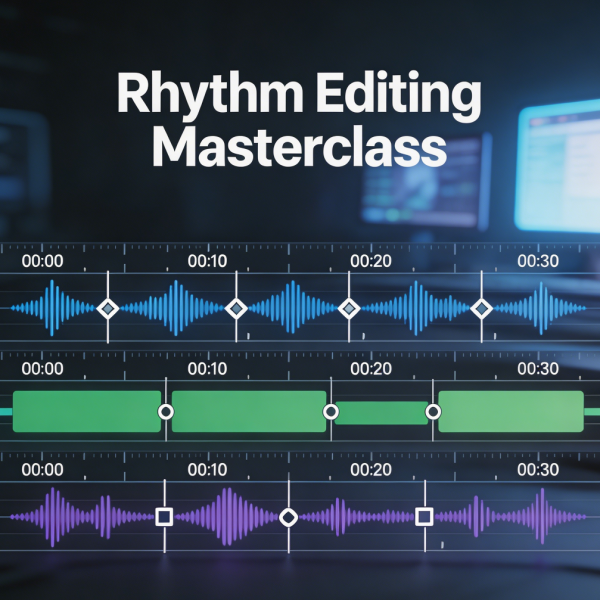 | 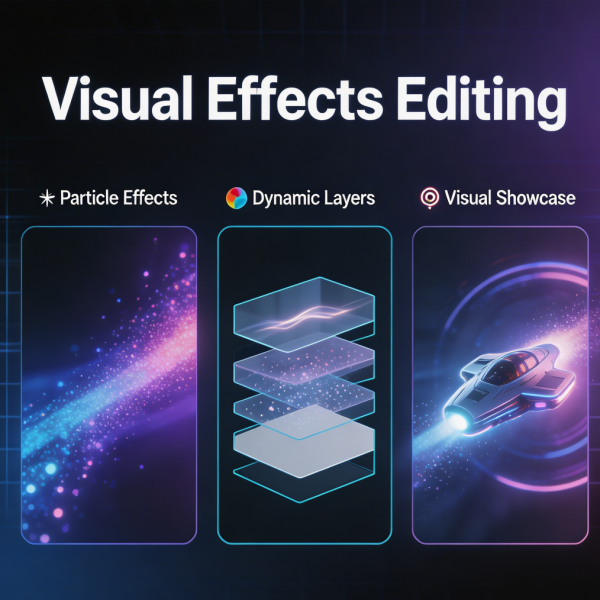 | 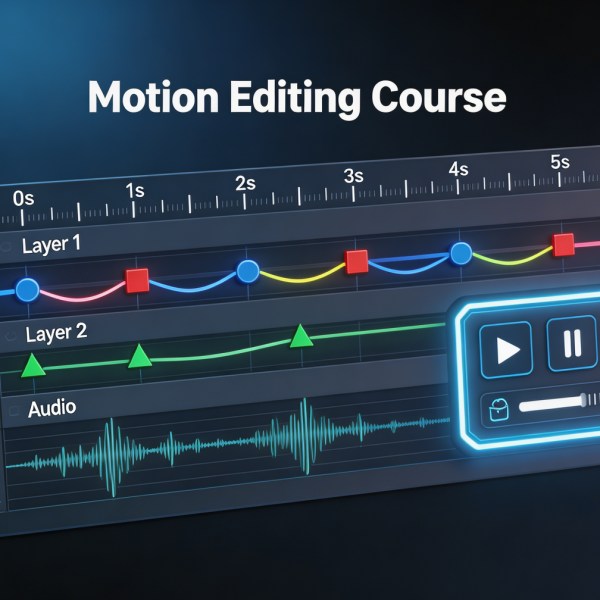 |
| SKU | E7680C71-1114-DFB3-4291-6D9B1CCF667E | CEA9F0C3-48A5-4629-C9DD-A12C9B250F76 | CA973B1E-A79B-67B2-F988-070C08284B2D | 806CFDE0-B41F-B9A7-C3CC-0341F07B9166 | 228038CD-62DB-BC6D-89BD-AC7B3EBF0A15 | EA1FC6C4-F4B5-F15A-D11D-66CB1421FB22 |
| Rating | ||||||
| Price | £49.99 | £69.99 | £59.99 | £79.99 | £129.99 | £109.99 |
| Stock | ||||||
| Availability | ||||||
| Add to cart | ||||||
| Description | ||||||
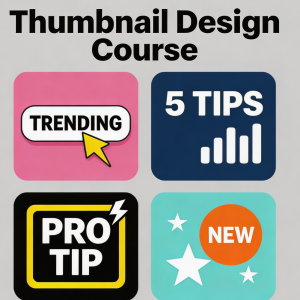
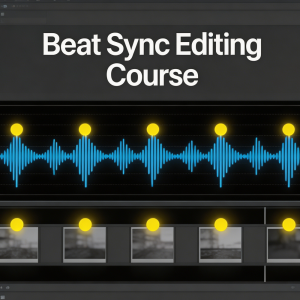
| Content | Video Material Management BootcampDisorganised media is a silent productivity killer in video production, leading to lost files, duplicated work, and hours wasted searching for assets. This bootcamp establishes the discipline of professional media management, teaching systems that keep projects organised from ingest to archive. Participants learn to design logical folder structures, establish consistent naming conventions, and implement metadata tagging that makes footage searchable. The curriculum covers the safe transfer of media from cameras and cards, backup strategies including the principle of redundancy, and the creation of proxy files for efficient editing. Students also learn to manage large projects with multiple collaborators, including shared storage workflows and version control for project files. Long‑term archival strategies are addressed, ensuring that completed projects remain accessible for future revisions or portfolio use. Graduates leave with a complete media management system they can implement immediately. | Video Cover Design BootcampThe cover image or thumbnail is the first and often only chance to convince a potential viewer to click. This bootcamp focuses exclusively on creating compelling, high‑conversion cover designs for video content. Participants learn the psychology of visual attention: how the eye moves across a thumbnail, what triggers curiosity, and why certain colour combinations outperform others. The curriculum covers typography for small formats, image selection and composition, and the effective use of faces and emotional expressions. Students analyse successful thumbnails across genres — from educational content to entertainment — to understand the principles that drive engagement. Hands‑on design sessions allow participants to create and refine their own covers, with live feedback on visual impact and click‑through potential. The bootcamp also covers A/B testing strategies and the technical specifications required by different platforms. | Video Subtitle Production BootcampSubtitles are no longer optional — they are essential for accessibility, viewer retention, and reaching global audiences. This bootcamp teaches professional subtitle production from transcription to final render. Participants learn to create accurate, well‑timed captions that synchronise perfectly with spoken content, including techniques for handling fast dialogue, multiple speakers, and overlapping conversation. The curriculum covers subtitle styling for readability, placement conventions that avoid covering important visual information, and the technical specifications required by different platforms. Students also learn to create translated subtitles and to manage multi‑language projects efficiently. Special modules address live captioning workflows and the use of speech‑recognition tools to accelerate the transcription process. By the end of the bootcamp, participants can produce broadcast‑quality subtitles that meet accessibility standards and enhance viewer experience. | Short Video Rhythm Editing BootcampRhythm is the invisible force that separates amateur video from professional content. This intensive bootcamp focuses exclusively on the art and technique of rhythmic editing — the precise timing of cuts to music, sound effects, and narrative beats. Participants learn to identify musical phrasing, downbeats, and tempo changes, then translate these into edit points that create energy, tension, and release. Through repeated practice with tracks across multiple genres, students develop an intuitive sense of pacing that makes their videos feel dynamic and polished. The bootcamp covers beat‑matching techniques, J‑cuts and L‑cuts for smooth transitions, and methods for building momentum across a sequence. Exercises include recutting provided footage to different musical styles and receiving detailed feedback on timing decisions. Graduates leave with a refined sense of rhythm that elevates every project they touch. | Video Special Effects Application CourseSpecial effects, when used judiciously, can elevate a video from ordinary to memorable. This course teaches the practical application of visual effects in video editing, focusing on techniques that can be achieved within standard editing and compositing software. Participants learn to create realistic composites, remove unwanted elements from shots, add atmospheric effects, and integrate 3D elements with live‑action footage. The curriculum covers green‑screen keying, motion tracking, rotoscoping, and particle effects. Emphasis is placed on achieving seamless results that do not call attention to themselves — effects that serve the story rather than distract from it. Students work through progressively challenging exercises, building from simple screen replacements to complex multi‑element composites. The course also addresses the planning required for effects‑heavy shoots, including on‑set supervision to ensure footage is captured correctly for post‑production. | Video Animation Editing BootcampAnimation adds a dimension of polish and engagement that static footage alone cannot achieve. This bootcamp teaches editors to incorporate animation techniques into their video projects, from simple motion graphics to complex animated sequences. Participants learn keyframe animation principles, easing and motion curves, and the integration of animated elements with live‑action footage. The curriculum covers title animation, lower thirds, animated icons, and explainer‑style motion graphics. Students work with shape layers, masks, and text animators to create dynamic visual elements. The bootcamp also addresses performance considerations, ensuring that complex animations render efficiently without overwhelming hardware. Hands‑on projects include creating an animated logo sting, an explainer video segment, and a social media post with integrated motion graphics. Graduates leave with a versatile animation skill set that immediately enhances the production value of their work. |
| Weight | N/A | N/A | N/A | N/A | N/A | N/A |
| Dimensions | N/A | N/A | N/A | N/A | N/A | N/A |
| Additional information | ||||||
| Sold | 0 | 0 | 0 | 0 | 0 | 0 |
| Shipping |