Video Special Effects Application Course

Product details
Video Special Effects Application Course
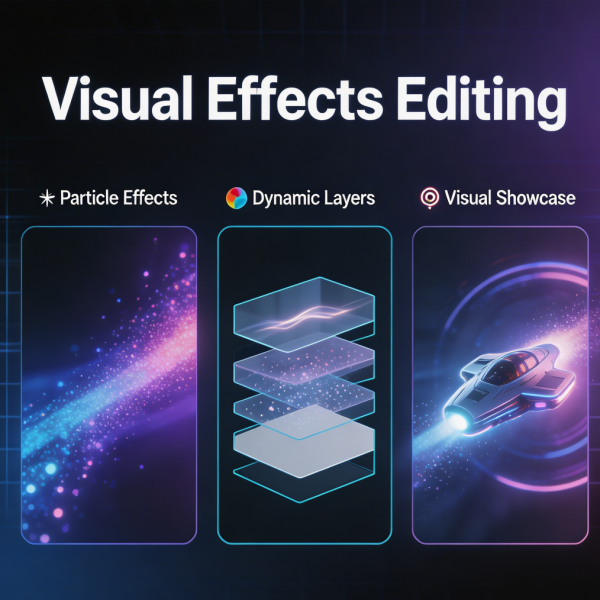
Special effects, when used judiciously, can elevate a video from ordinary to memorable. This course teaches the practical application of visual effects in video editing, focusing on techniques that can be achieved within standard editing and compositing software. Participants learn to create realistic composites, remove unwanted elements from shots, add atmospheric effects, and integrate 3D elements with live‑action footage. The curriculum covers green‑screen keying, motion tracking, rotoscoping, and particle effects. Emphasis is placed on achieving seamless results that do not call attention to themselves — effects that serve the story rather than distract from it. Students work through progressively challenging exercises, building from simple screen replacements to complex multi‑element composites. The course also addresses the planning required for effects‑heavy shoots, including on‑set supervision to ensure footage is captured correctly for post‑production.
Shipping and Returns
Shipping cost is based on weight. Just add products to your cart and use the Shipping Calculator to see the shipping price.
We want you to be 100% satisfied with your purchase. Items can be returned or exchanged within 30 days of delivery.
Quick Comparison
| Video Special Effects Application Course remove | Interview Video Editing Bootcamp remove | Corporate Promotional Video Editing Course remove | Basic Video Color Grading Course remove | Video Animation Editing Bootcamp remove | Short Video Editing Basics Course remove | |
|---|---|---|---|---|---|---|
| Name | Video Special Effects Application Course remove | Interview Video Editing Bootcamp remove | Corporate Promotional Video Editing Course remove | Basic Video Color Grading Course remove | Video Animation Editing Bootcamp remove | Short Video Editing Basics Course remove |
| Image | | 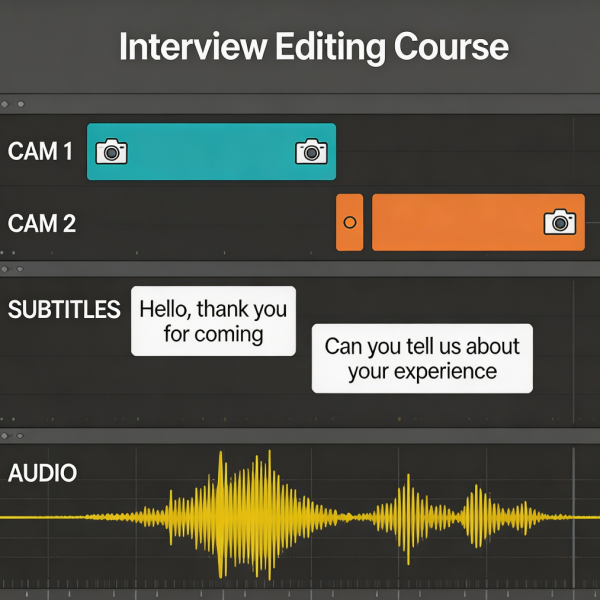 | 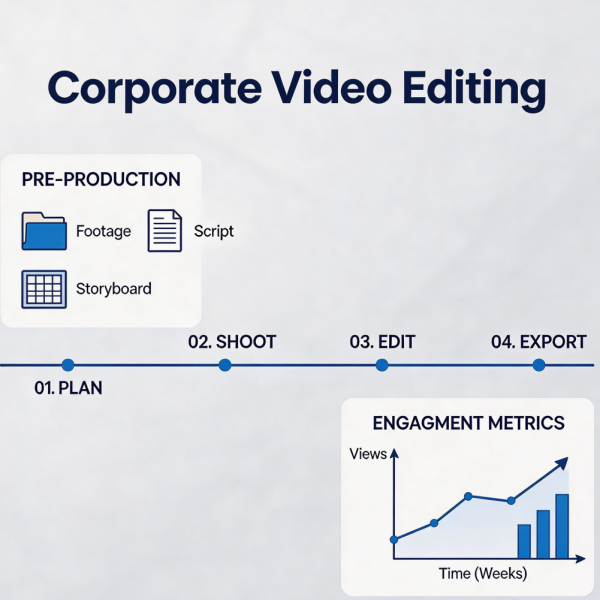 | 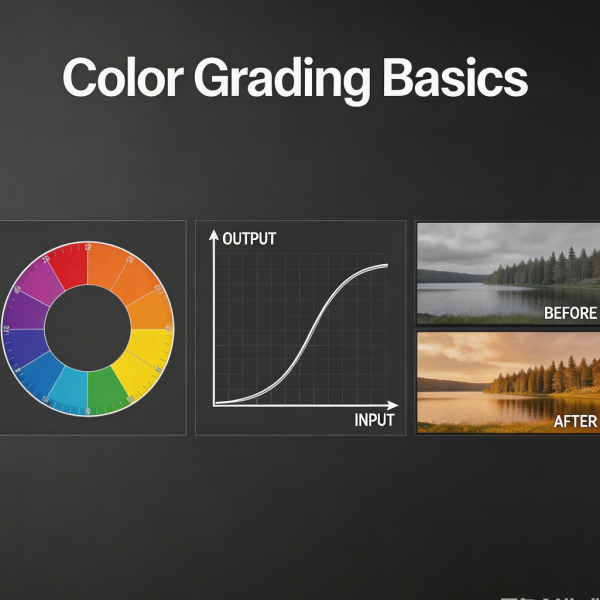 | 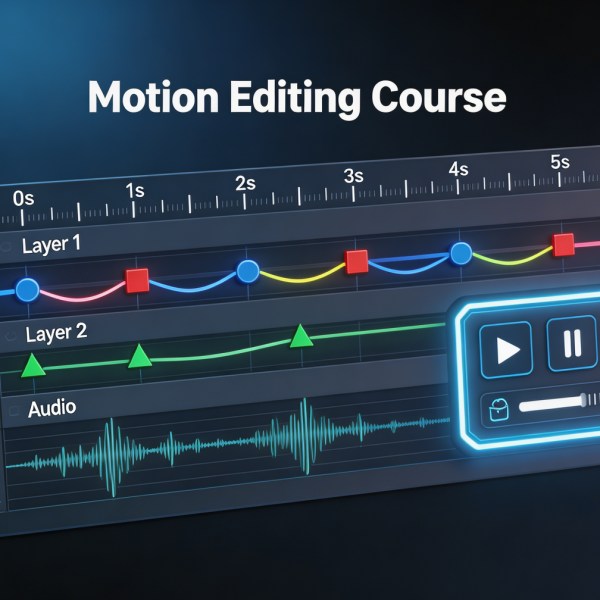 | 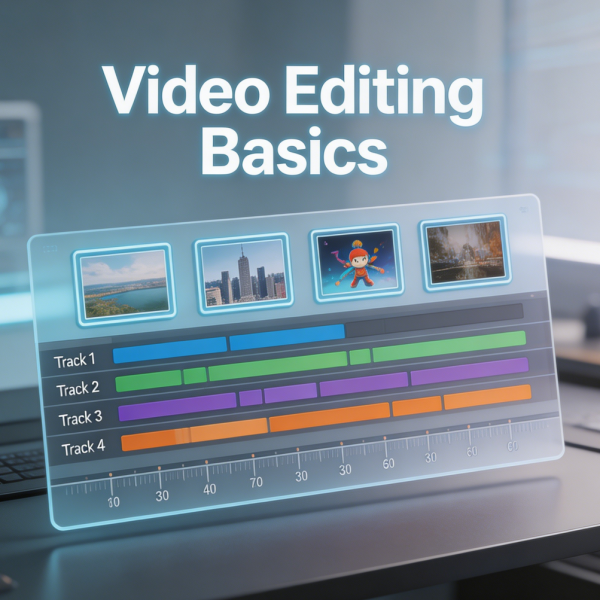 |
| SKU | 228038CD-62DB-BC6D-89BD-AC7B3EBF0A15 | 93759F81-D27A-4CFB-9C0F-77F9FF18090E | 80BD2B2C-6C06-2C4B-B2DF-36E4EE4B32BF | 551C7BD9-80ED-17EA-3BEA-9DDA81E850B1 | EA1FC6C4-F4B5-F15A-D11D-66CB1421FB22 | 57CC156B-096A-26CB-CC52-F7B1B9E42229 |
| Rating | ||||||
| Price | £129.99 | £89.99 | £139.99 | £89.99 | £109.99 | £59.99 |
| Stock | ||||||
| Availability | ||||||
| Add to cart | ||||||
| Description | ||||||
| Content | Video Special Effects Application CourseSpecial effects, when used judiciously, can elevate a video from ordinary to memorable. This course teaches the practical application of visual effects in video editing, focusing on techniques that can be achieved within standard editing and compositing software. Participants learn to create realistic composites, remove unwanted elements from shots, add atmospheric effects, and integrate 3D elements with live‑action footage. The curriculum covers green‑screen keying, motion tracking, rotoscoping, and particle effects. Emphasis is placed on achieving seamless results that do not call attention to themselves — effects that serve the story rather than distract from it. Students work through progressively challenging exercises, building from simple screen replacements to complex multi‑element composites. The course also addresses the planning required for effects‑heavy shoots, including on‑set supervision to ensure footage is captured correctly for post‑production. | Interview Video Editing BootcampInterview‑based video is a staple of corporate communications, journalism, documentary, and online content. This bootcamp teaches the specific techniques that make interview footage engaging, clear, and impactful. Participants learn to edit interviews for content and pacing, removing filler words and hesitations while preserving the speaker's natural voice and meaning. The curriculum covers multi‑camera interview editing, synchronising angles and switching between them to maintain visual interest. Students practice integrating B‑roll to illustrate points, cover jump cuts, and add visual variety. The bootcamp also addresses the technical challenges of interview audio, including matching levels between speakers and removing unwanted background noise. Hands‑on exercises involve cutting a complete interview piece from raw footage, with feedback on editorial decisions, pacing, and technical execution. Graduates leave with the confidence to edit interview content for any platform or purpose. | Corporate Promotional Video Editing CourseCorporate video requires a careful balance of professionalism, brand alignment, and engaging storytelling. This course teaches the specific editing approaches that produce polished, effective corporate promotional content. Participants learn to work with interview footage, B‑roll of facilities and operations, motion graphics, and brand assets to create videos that communicate corporate messages with clarity and impact. The curriculum covers the corporate review and approval process, including strategies for incorporating stakeholder feedback without compromising the edit. Students study examples of effective corporate video across sectors, analysing how editing choices support brand positioning and communication objectives. Technical topics include audio sweetening for voice and music, colour grading for a consistent brand look, and the integration of animated infographics. The course culminates in a complete corporate promo project built from provided footage. | Basic Video Color Grading CourseColour grading transforms flat, unprocessed footage into images with mood, depth, and visual impact. This introductory course demystifies the colour grading process, making it accessible to editors without prior colour experience. Participants learn the fundamental tools of the colourist: exposure and contrast adjustment, white balance correction, and the manipulation of shadows, midtones, and highlights. The course covers the difference between colour correction — fixing problems and achieving a neutral starting point — and colour grading — applying a creative look that serves the story. Students work through structured exercises to develop their eye, learning to read scopes including waveform, vectorscope, and histogram. The curriculum also addresses skin tone preservation, a critical skill for any colourist. Graduates leave with a solid foundation in colour theory and the practical skills to enhance their projects immediately. | Video Animation Editing BootcampAnimation adds a dimension of polish and engagement that static footage alone cannot achieve. This bootcamp teaches editors to incorporate animation techniques into their video projects, from simple motion graphics to complex animated sequences. Participants learn keyframe animation principles, easing and motion curves, and the integration of animated elements with live‑action footage. The curriculum covers title animation, lower thirds, animated icons, and explainer‑style motion graphics. Students work with shape layers, masks, and text animators to create dynamic visual elements. The bootcamp also addresses performance considerations, ensuring that complex animations render efficiently without overwhelming hardware. Hands‑on projects include creating an animated logo sting, an explainer video segment, and a social media post with integrated motion graphics. Graduates leave with a versatile animation skill set that immediately enhances the production value of their work. | Short Video Editing Basics CourseThis introductory course is designed for complete beginners who want to master the fundamentals of short‑form video editing. Participants learn to navigate a professional editing timeline, import and organise footage, perform basic cuts and trims, and understand the principles of pacing and storytelling that keep viewers engaged. The curriculum covers essential techniques including clip arrangement, basic audio levelling, simple colour correction, and the addition of titles and captions. Through hands‑on projects working with real footage, students build a portfolio of short videos suitable for social media platforms. Special attention is given to the technical requirements of different platforms, ensuring graduates can export videos in the correct format and aspect ratio for their chosen channel. By the end of the course, participants will have the confidence and skills to produce polished short videos independently. |
| Weight | N/A | N/A | N/A | N/A | N/A | N/A |
| Dimensions | N/A | N/A | N/A | N/A | N/A | N/A |
| Additional information | ||||||
| Sold | 0 | 0 | 0 | 0 | 0 | 0 |
| Shipping |