Corporate Promotional Video Editing Course

Product details
Corporate Promotional Video Editing Course
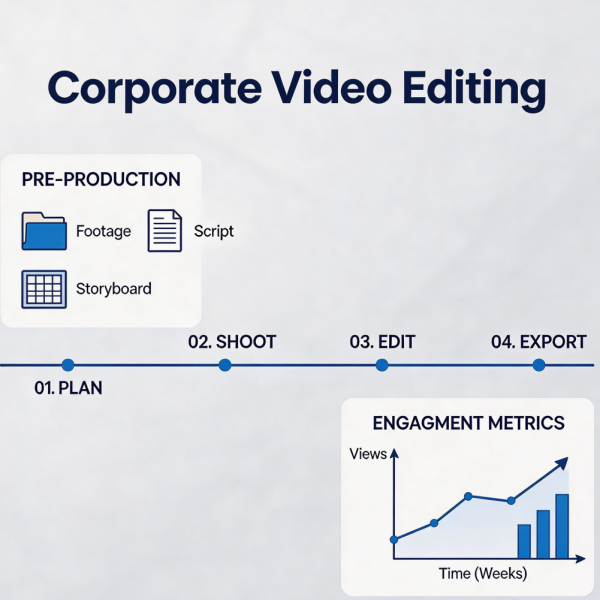
Corporate video requires a careful balance of professionalism, brand alignment, and engaging storytelling. This course teaches the specific editing approaches that produce polished, effective corporate promotional content. Participants learn to work with interview footage, B‑roll of facilities and operations, motion graphics, and brand assets to create videos that communicate corporate messages with clarity and impact. The curriculum covers the corporate review and approval process, including strategies for incorporating stakeholder feedback without compromising the edit. Students study examples of effective corporate video across sectors, analysing how editing choices support brand positioning and communication objectives. Technical topics include audio sweetening for voice and music, colour grading for a consistent brand look, and the integration of animated infographics. The course culminates in a complete corporate promo project built from provided footage.
Shipping and Returns
Shipping cost is based on weight. Just add products to your cart and use the Shipping Calculator to see the shipping price.
We want you to be 100% satisfied with your purchase. Items can be returned or exchanged within 30 days of delivery.
Quick Comparison
| Corporate Promotional Video Editing Course remove | Basic Video Color Grading Course remove | Video Editing Efficiency Improvement Course remove | Video Material Management Bootcamp remove | Product Showcase Video Production Bootcamp remove | Video Special Effects Application Course remove | |
|---|---|---|---|---|---|---|
| Name | Corporate Promotional Video Editing Course remove | Basic Video Color Grading Course remove | Video Editing Efficiency Improvement Course remove | Video Material Management Bootcamp remove | Product Showcase Video Production Bootcamp remove | Video Special Effects Application Course remove |
| Image | | 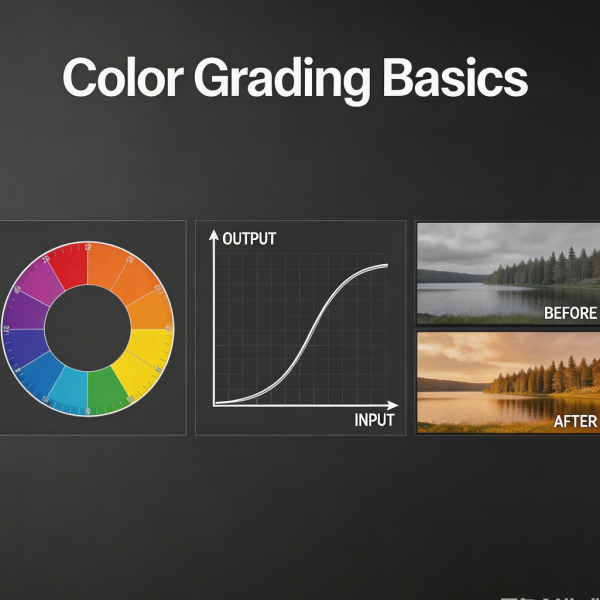 | 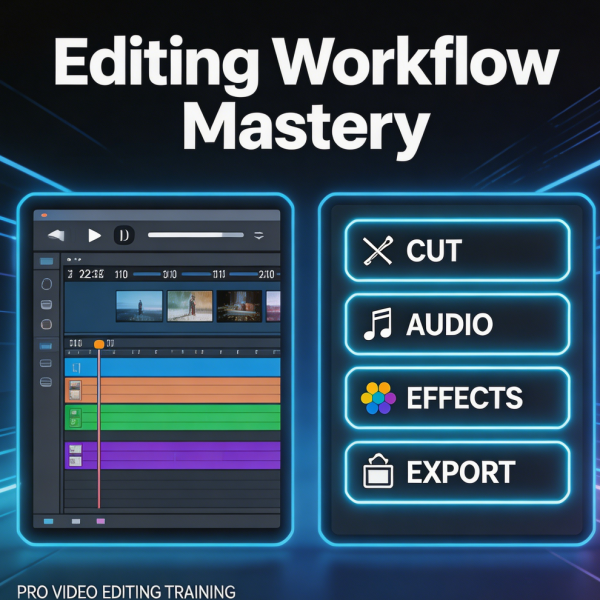 | 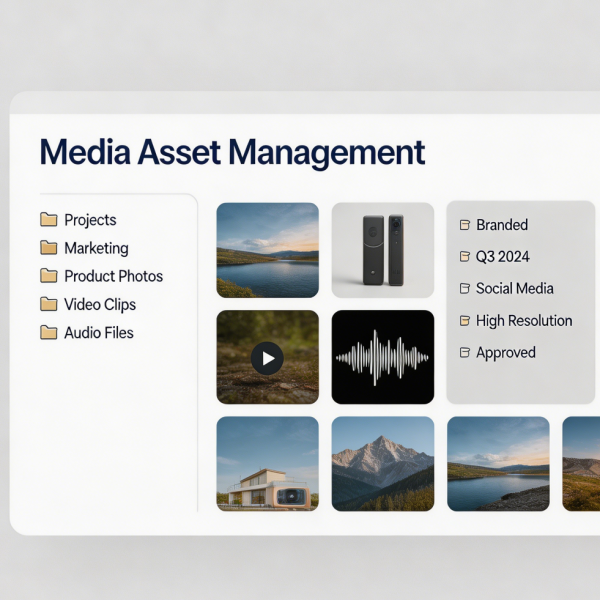 |  | 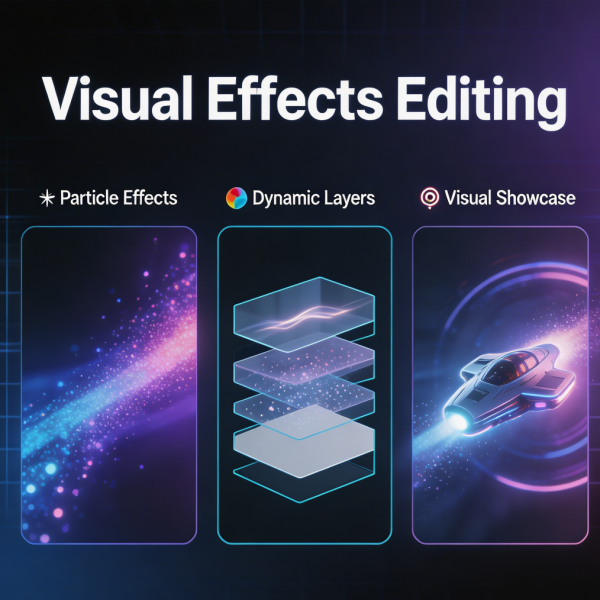 |
| SKU | 80BD2B2C-6C06-2C4B-B2DF-36E4EE4B32BF | 551C7BD9-80ED-17EA-3BEA-9DDA81E850B1 | 0F3FCF6D-DD89-C61F-DC71-85E7BE06E087 | E7680C71-1114-DFB3-4291-6D9B1CCF667E | 1599BF9D-099B-90AD-21D1-248569E6B3A7 | 228038CD-62DB-BC6D-89BD-AC7B3EBF0A15 |
| Rating | ||||||
| Price | £139.99 | £89.99 | £79.99 | £49.99 | £119.99 | £129.99 |
| Stock | ||||||
| Availability | ||||||
| Add to cart | ||||||
| Description | ||||||
| Content | Corporate Promotional Video Editing CourseCorporate video requires a careful balance of professionalism, brand alignment, and engaging storytelling. This course teaches the specific editing approaches that produce polished, effective corporate promotional content. Participants learn to work with interview footage, B‑roll of facilities and operations, motion graphics, and brand assets to create videos that communicate corporate messages with clarity and impact. The curriculum covers the corporate review and approval process, including strategies for incorporating stakeholder feedback without compromising the edit. Students study examples of effective corporate video across sectors, analysing how editing choices support brand positioning and communication objectives. Technical topics include audio sweetening for voice and music, colour grading for a consistent brand look, and the integration of animated infographics. The course culminates in a complete corporate promo project built from provided footage. | Basic Video Color Grading CourseColour grading transforms flat, unprocessed footage into images with mood, depth, and visual impact. This introductory course demystifies the colour grading process, making it accessible to editors without prior colour experience. Participants learn the fundamental tools of the colourist: exposure and contrast adjustment, white balance correction, and the manipulation of shadows, midtones, and highlights. The course covers the difference between colour correction — fixing problems and achieving a neutral starting point — and colour grading — applying a creative look that serves the story. Students work through structured exercises to develop their eye, learning to read scopes including waveform, vectorscope, and histogram. The curriculum also addresses skin tone preservation, a critical skill for any colourist. Graduates leave with a solid foundation in colour theory and the practical skills to enhance their projects immediately. | Video Editing Efficiency Improvement CourseSpeed in the editing suite is not about rushing; it is about removing friction so that creative decisions can flow uninterrupted. This course teaches proven workflows and techniques that dramatically reduce the time spent on routine editing tasks. Participants learn to configure their editing environment for maximum productivity, from customising keyboard shortcuts and setting up workspaces to creating template projects that eliminate repetitive setup. The curriculum covers media management strategies that prevent the chaos of disorganised drives, proxy workflows for smooth playback on modest hardware, and batch processing techniques that apply changes across multiple clips simultaneously. Students are introduced to automation tools and scripting for repetitive tasks. The course also addresses the mental aspects of efficiency: prioritising decisions, avoiding perfectionism in early cuts, and maintaining creative momentum through a project. | Video Material Management BootcampDisorganised media is a silent productivity killer in video production, leading to lost files, duplicated work, and hours wasted searching for assets. This bootcamp establishes the discipline of professional media management, teaching systems that keep projects organised from ingest to archive. Participants learn to design logical folder structures, establish consistent naming conventions, and implement metadata tagging that makes footage searchable. The curriculum covers the safe transfer of media from cameras and cards, backup strategies including the principle of redundancy, and the creation of proxy files for efficient editing. Students also learn to manage large projects with multiple collaborators, including shared storage workflows and version control for project files. Long‑term archival strategies are addressed, ensuring that completed projects remain accessible for future revisions or portfolio use. Graduates leave with a complete media management system they can implement immediately. | Product Showcase Video Production BootcampShowcasing a product effectively on video requires a unique combination of technical skill and marketing instinct. This bootcamp covers the complete production workflow for product showcase videos, from pre‑production planning through final delivery. Participants learn lighting setups that highlight product features, textures, and details; camera techniques including macro shooting, sliders, and gimbals for smooth product reveals; and editing approaches that present information in a logical, persuasive sequence. The curriculum addresses different product categories — from fashion and beauty to electronics and food — and the specific challenges each presents. Students gain hands‑on experience planning, shooting, and editing their own product showcase videos. The bootcamp also covers the integration of voiceover, sound design, and graphics to create a complete product narrative. Graduates leave with a portfolio‑ready product showcase and the skills to produce professional product content for any medium. | Video Special Effects Application CourseSpecial effects, when used judiciously, can elevate a video from ordinary to memorable. This course teaches the practical application of visual effects in video editing, focusing on techniques that can be achieved within standard editing and compositing software. Participants learn to create realistic composites, remove unwanted elements from shots, add atmospheric effects, and integrate 3D elements with live‑action footage. The curriculum covers green‑screen keying, motion tracking, rotoscoping, and particle effects. Emphasis is placed on achieving seamless results that do not call attention to themselves — effects that serve the story rather than distract from it. Students work through progressively challenging exercises, building from simple screen replacements to complex multi‑element composites. The course also addresses the planning required for effects‑heavy shoots, including on‑set supervision to ensure footage is captured correctly for post‑production. |
| Weight | N/A | N/A | N/A | N/A | N/A | N/A |
| Dimensions | N/A | N/A | N/A | N/A | N/A | N/A |
| Additional information | ||||||
| Sold | 0 | 0 | 0 | 0 | 0 | 0 |
| Shipping |